
Git repositories
Manage the Git repositories that feed ctx| search, Chat, MCP, and the knowledge graph.
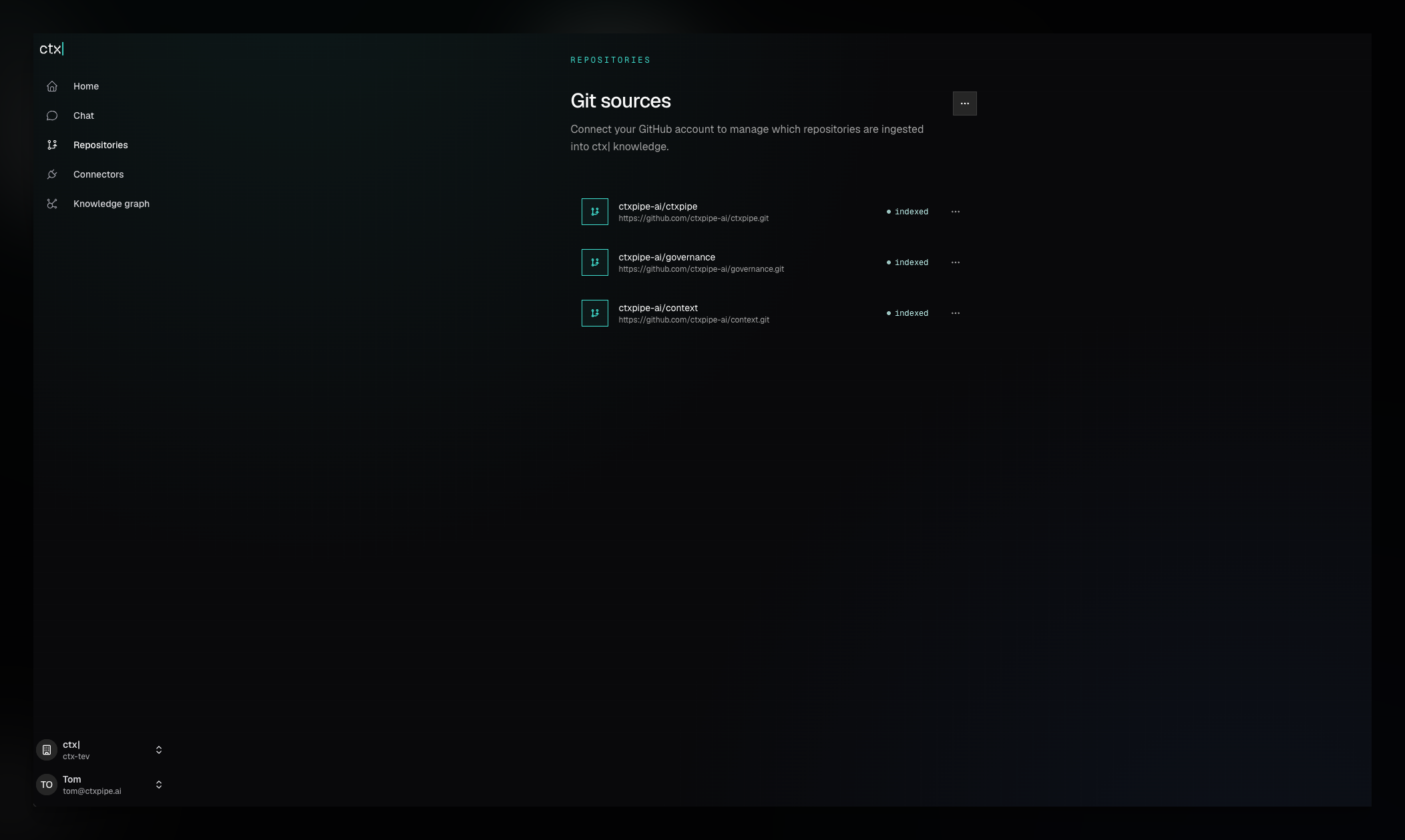
Repositories are the primary source of truth for ctx|. Adding a repository gives the backend a Git URL to track, starts ingestion, and makes that code available to search, Chat, MCP, and knowledge graph extraction.
What a repository enables
Each repository belongs to one organization and contributes to four surfaces:
- Code search: fast text, file, and symbol retrieval across connected repositories.
- Chat: available to the conversation graph as source material.
- MCP: available through
ctx_advisor, which can use repository search and inspection tools internally. - Knowledge graph: analyzed into extracted nodes and claims during ingestion.
Repository state is visible in the app as pending indexing, indexing, indexed, or complete with issues. Use Retry indexing when a run needs another attempt.
Core workflows
Connect GitHub or add a single Git URL.
Review selected repositories and GitHub App settings.
Remove indexed context and start ingestion again when needed.
Open pull requests that add ctx| MCP config to selected repos.
Scope is explicit
The repository inventory answers a simple question: what currently contributes to this organization's context?
- Selecting a repository in the GitHub App makes it available to ctx|.
- Index now starts ingestion for a selected repository.
- Retry indexing starts a new run without removing the repository.
- Unindex removes its search, Chat, MCP, and graph contribution from ctx|.
Changing the GitHub App installation and changing what ctx| indexes are related but separate actions. The manage repositories guide explains both.
Context repositories are repositories too
If Linear, Notion, Confluence, or Slack writes into a context repository, unindexing that repository removes its generated content from ctx| answers. It does not delete the files or Git history, and it does not disconnect the upstream provider.